This product was not featured by Product Hunt yet. It will not be visible on their landing page and won't be ranked (cannot win product of the day regardless of upvotes).
LinkedIn QR Wallpaper
Your LinkedIn QR, living on your lock screen. Scan. Done.
"Let's connect on LinkedIn!" — then the fumble: unlock, open app, dig three taps deep for the QR. Moment gone. qr.cje.io kills the fumble. Type your username → get a gorgeous custom wallpaper with your LinkedIn QR baked right in. Flash your lock screen, they scan, connected. No app. No unlock. No friction. Free, no signup, 6 themes, ~5 sec. Built for hustlers: demo days, conferences, pitches, parties. Networking at the speed of a glance.
Hey Hunters 👋
Real talk: the "let's connect on LinkedIn" moment is broken. Someone's excited, you're excited, and then... you both stand there unlocking phones, opening the app, hunting three taps deep for that little QR icon. By the time you find it, the vibe's gone.
I built qr.cje.io to kill that fumble forever. 🔥
Type your username → get a gorgeous custom lock-screen wallpaper with your LinkedIn QR baked right in. Now you just flash your lock screen. They scan. Done. No app. No unlock. No friction.
⚡ Free
⚡ No signup
⚡ 6 themes to match your vibe
⚡ ~5 seconds start to finish
⚡ Your data is never stored — profile info is fetched live, never saved
It's made for people on the hustle: demo days, conferences, pitch events, meetups, parties — anywhere you want to connect at the speed of a glance.
Would genuinely love your feedback, themes you'd want to see, and any wild ideas. Ask me anything! 🙌
honestly such a simple idea but i've already got it saved on my lock screen for an event next week. the dark theme looks clean and my coworker scanned it across a table, worked first try.
Made a wallpaper in maybe ten seconds and the QR actually scanned clean from my lockscreen, which was the whole point. Way cleaner than digging through the app at events.
Wish it let me add a subtle tagline under the QR like "let's grab coffee" or my current role. Would make the wallpaper actually start a conversation instead of just handing off a profile link.
About LinkedIn QR Wallpaper on Product Hunt
“Your LinkedIn QR, living on your lock screen. Scan. Done.”
LinkedIn QR Wallpaper was submitted on Product Hunt and earned 0 upvotes and 4 comments, placing #153 on the daily leaderboard. "Let's connect on LinkedIn!" — then the fumble: unlock, open app, dig three taps deep for the QR. Moment gone. qr.cje.io kills the fumble. Type your username → get a gorgeous custom wallpaper with your LinkedIn QR baked right in. Flash your lock screen, they scan, connected. No app. No unlock. No friction. Free, no signup, 6 themes, ~5 sec. Built for hustlers: demo days, conferences, pitches, parties. Networking at the speed of a glance.
LinkedIn QR Wallpaper was featured in Design Tools (263.8k followers), Productivity (664.8k followers) and Wallpaper (6.5k followers) on Product Hunt. Together, these topics include over 224.1k products, making this a competitive space to launch in.
Who hunted LinkedIn QR Wallpaper?
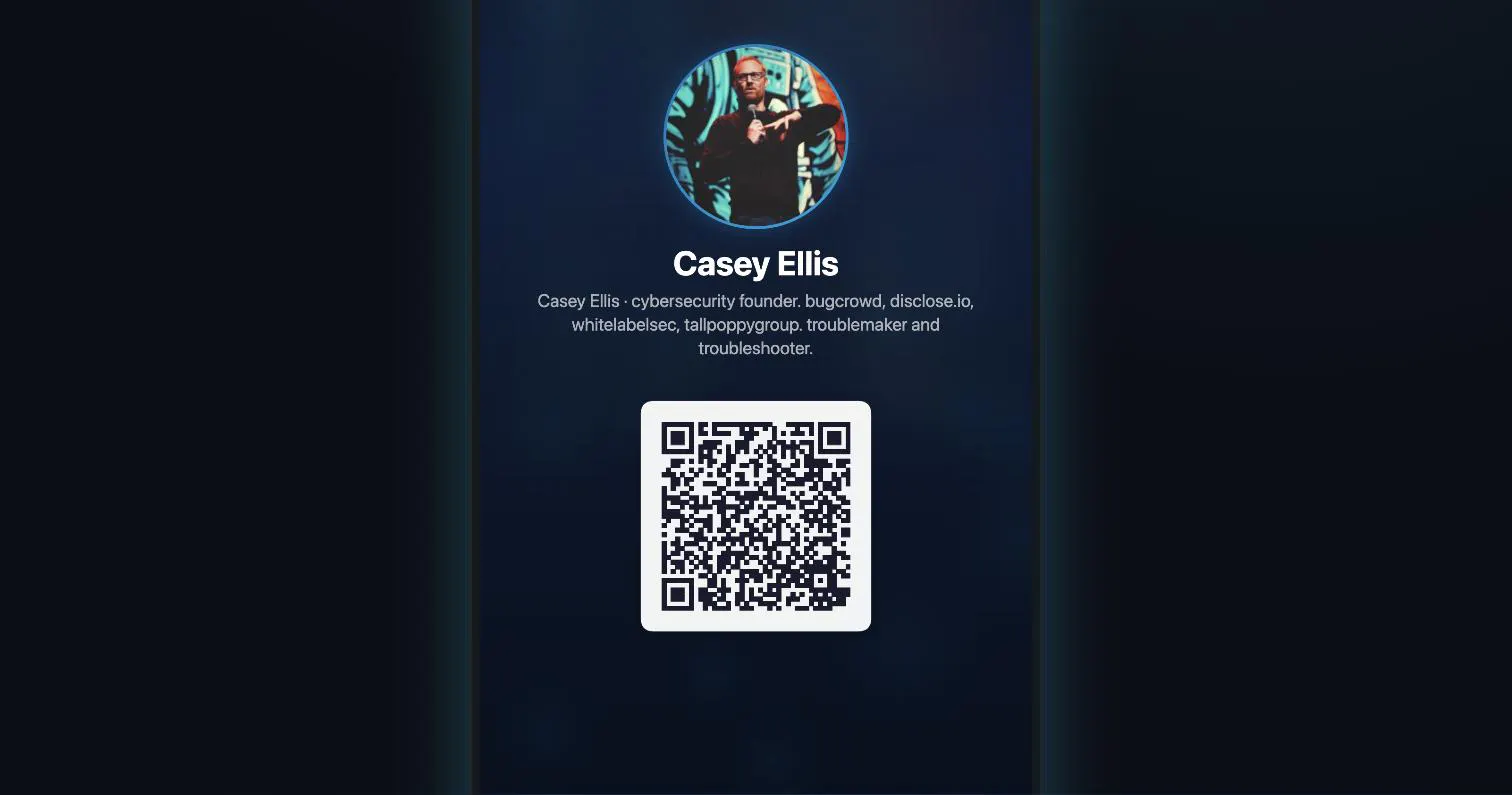
LinkedIn QR Wallpaper was hunted by Casey Ellis. A “hunter” on Product Hunt is the community member who submits a product to the platform — uploading the images, the link, and tagging the makers behind it. Hunters typically write the first comment explaining why a product is worth attention, and their followers are notified the moment they post. Around 79% of featured launches on Product Hunt are self-hunted by their makers, but a well-known hunter still acts as a signal of quality to the rest of the community. See the full all-time top hunters leaderboard to discover who is shaping the Product Hunt ecosystem.
Want to see how LinkedIn QR Wallpaper stacked up against nearby launches in real time? Check out the live launch dashboard for upvote speed charts, proximity comparisons, and more analytics.

 Casey Ellis