This product was not featured by Product Hunt yet. It will not be visible on their landing page and won't be ranked (cannot win product of the day regardless of upvotes).
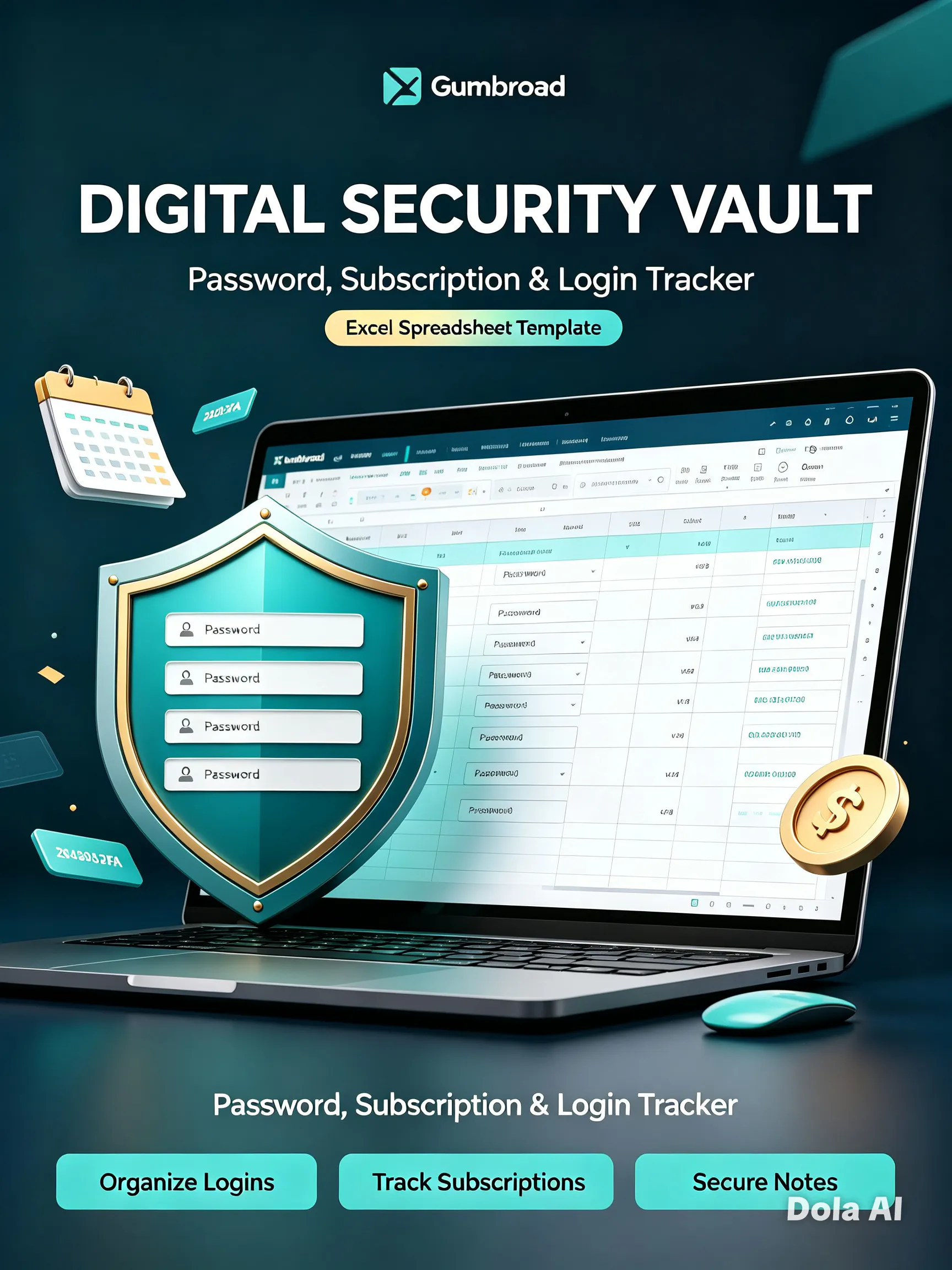
Passwords scattered across sticky notes, browser autofill, and three different apps? Digital Security Vault puts every login, software license, Wi‑Fi credential, and subscription in one calm, beautifully organized Excel file — with a live dashboard that does the counting for you. No monthly fees. No third‑party cloud. Your data stays yours.
I built this because I was fed up with my own mess. Like so many of us, I had passwords scattered across browser autofill, half a dozen sticky notes, three different notes apps, and a spreadsheet I’d started and abandoned three times. I’d lost software license keys, forgotten Wi‑Fi passwords when friends visited, and been caught off‑guard by subscription renewals I didn’t even remember signing up for.
One evening I spent over an hour digging through emails and old files just to find one license key — and that frustration was the spark. I realized: we all need one simple, private, all‑in‑one place to keep our digital life organized — without monthly fees, without third‑party risks, and without complexity.
The problems were clear:
❌ Fragmentation — credentials spread across too many places, impossible to find when you need them
❌ Lack of visibility — no way to see weak passwords, track renewals, or know how much you’re actually spending on subscriptions
❌ Privacy trade‑offs — dedicated password managers are great, but many people want a local, offline backup they fully control — not stored on someone else’s server
❌ Overwhelm — most solutions are either too basic (plain spreadsheets) or far too complex
❌ No safety net — nothing that also covered Wi‑Fi keys, 2FA backup codes, security questions, and emergency contacts in the same spot
I wanted to build something that solves all of that in one file — simple, beautiful, and fully yours.
It started small — just a simple password tracker with columns and color‑coding. But the more I used it, the more gaps I found:
First iteration → Basic password list. Then I thought: what about license keys I keep losing? → Added the Software Licenses tab.
Then → I can never remember my home/office/travel Wi‑Fi when I need it. → Added the Wi‑Fi Networks tab.
Then → Why am I surprised by subscription charges? → Built the Subscriptions tracker with auto‑calculated totals and renewal reminders.
Then → I should know which passwords are weak at a glance… → Built the password strength rating system (Weak / Medium / Strong) with color‑coded formatting.
Then → Wouldn’t it be great to see everything at once? → Designed the Live Dashboard that automatically counts entries, flags expiring items, and shows your total spend — no manual math needed.
Finally → Realized people also need safe places for 2FA backup codes, security questions, and emergency contacts — so I added those too, plus a step‑by‑step guide to password‑protect the whole file.
What began as a simple tracker grew into 9 purpose‑built tabs because I kept asking: “What else do I wish I had?” — and building exactly that.
I also realized early on: this shouldn’t replace your daily password manager — it should be your backup, your audit, your single source of truth, and your peace of mind. That’s why I designed it to work alongside tools you already use, filling the gaps they leave behind.
No comment highlights available yet. Please check back later!
About Digital Security Vault on Product Hunt
“Feel Unorganized”
Digital Security Vault was submitted on Product Hunt and earned 0 upvotes and 1 comments, placing #71 on the daily leaderboard. Passwords scattered across sticky notes, browser autofill, and three different apps? Digital Security Vault puts every login, software license, Wi‑Fi credential, and subscription in one calm, beautifully organized Excel file — with a live dashboard that does the counting for you. No monthly fees. No third‑party cloud. Your data stays yours.
Digital Security Vault was featured in Design Tools (263.8k followers), Notes (8.4k followers) and Privacy (11.5k followers) on Product Hunt. Together, these topics include over 63.4k products, making this a competitive space to launch in.
Who hunted Digital Security Vault ?
Digital Security Vault was hunted by Syed Zaidi. A “hunter” on Product Hunt is the community member who submits a product to the platform — uploading the images, the link, and tagging the makers behind it. Hunters typically write the first comment explaining why a product is worth attention, and their followers are notified the moment they post. Around 79% of featured launches on Product Hunt are self-hunted by their makers, but a well-known hunter still acts as a signal of quality to the rest of the community. See the full all-time top hunters leaderboard to discover who is shaping the Product Hunt ecosystem.
Want to see how Digital Security Vault stacked up against nearby launches in real time? Check out the live launch dashboard for upvote speed charts, proximity comparisons, and more analytics.

 Syed Zaidi