This product was not featured by Product Hunt yet. It will not be visible on their landing page and won't be ranked (cannot win product of the day regardless of upvotes).
Product upvotes vs the next 3
Waiting for data. Loading
Product comments vs the next 3
Waiting for data. Loading
Product upvote speed vs the next 3
Waiting for data. Loading
Product upvotes and comments
Waiting for data. Loading
Product vs the next 3
Loading
TetherCam
Your iPhone as a USB webcam for Mac and OBS
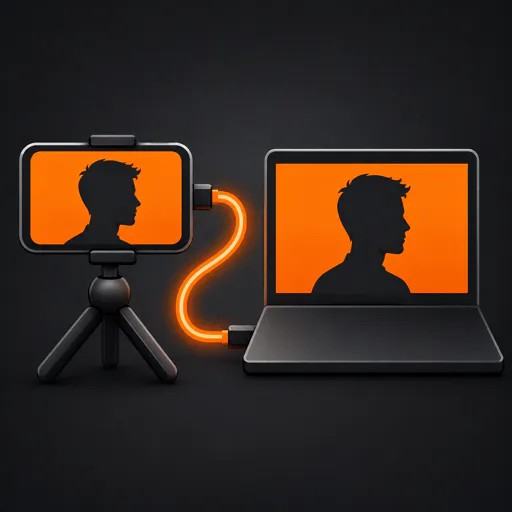
Two free apps turn your iPhone into a USB webcam for your Mac. Select TetherCam in Zoom, Teams, Meet or another app that lists system cameras. The Mac app outputs 1080p30 video; choose a separate microphone for calls. The optional OBS plugin receives video and iPhone microphone audio. Requires iOS 17+ and macOS 14+ for the Mac app. Free and open source.
Continuity Camera stopped working in my recording setup after an iOS and macOS version mismatch. I wanted a small tool I could inspect and fix, so I built TetherCam.
Install the iPhone app and the Mac app, connect the USB cable, and choose TetherCam as the camera. The Mac app outputs 1080p30 video. For recordings and streams in OBS, a separate plugin brings in both video and the phone’s microphone.
Continuity Camera can also use USB. TetherCam is a separate implementation with its own setup and limits: the phone app stays in the foreground, only one receiver can connect at a time, and the Mac camera carries video only. You approve its camera extension once in macOS settings.
Both apps and the OBS plugin are free. The source is available on GitHub. If you try it in your setup, I would like to hear which app and devices you used.
About TetherCam on Product Hunt
“Your iPhone as a USB webcam for Mac and OBS”
TetherCam was submitted on Product Hunt and earned 2 upvotes and 1 comments, placing #120 on the daily leaderboard. Two free apps turn your iPhone into a USB webcam for your Mac. Select TetherCam in Zoom, Teams, Meet or another app that lists system cameras. The Mac app outputs 1080p30 video; choose a separate microphone for calls. The optional OBS plugin receives video and iPhone microphone audio. Requires iOS 17+ and macOS 14+ for the Mac app. Free and open source.
On the analytics side, TetherCam competes within Open Source, Photography, Meetings and GitHub — topics that collectively have 260.5k followers on Product Hunt. The dashboard above tracks how TetherCam performed against the three products that launched closest to it on the same day.
Who hunted TetherCam?
TetherCam was hunted by Bernhard Götzendorfer. A “hunter” on Product Hunt is the community member who submits a product to the platform — uploading the images, the link, and tagging the makers behind it. Hunters typically write the first comment explaining why a product is worth attention, and their followers are notified the moment they post. Around 79% of featured launches on Product Hunt are self-hunted by their makers, but a well-known hunter still acts as a signal of quality to the rest of the community. See the full all-time top hunters leaderboard to discover who is shaping the Product Hunt ecosystem.
For a complete overview of TetherCam including community comment highlights and product details, visit the product overview.

 Bernhard Götzendorfer