


This product was not featured by Product Hunt yet.
It will not be visible on their landing page and won't be ranked (cannot win product of the day regardless of upvotes).
Product upvotes vs the next 3
Product comments vs the next 3
Product upvote speed vs the next 3
Product upvotes and comments
Product vs the next 3
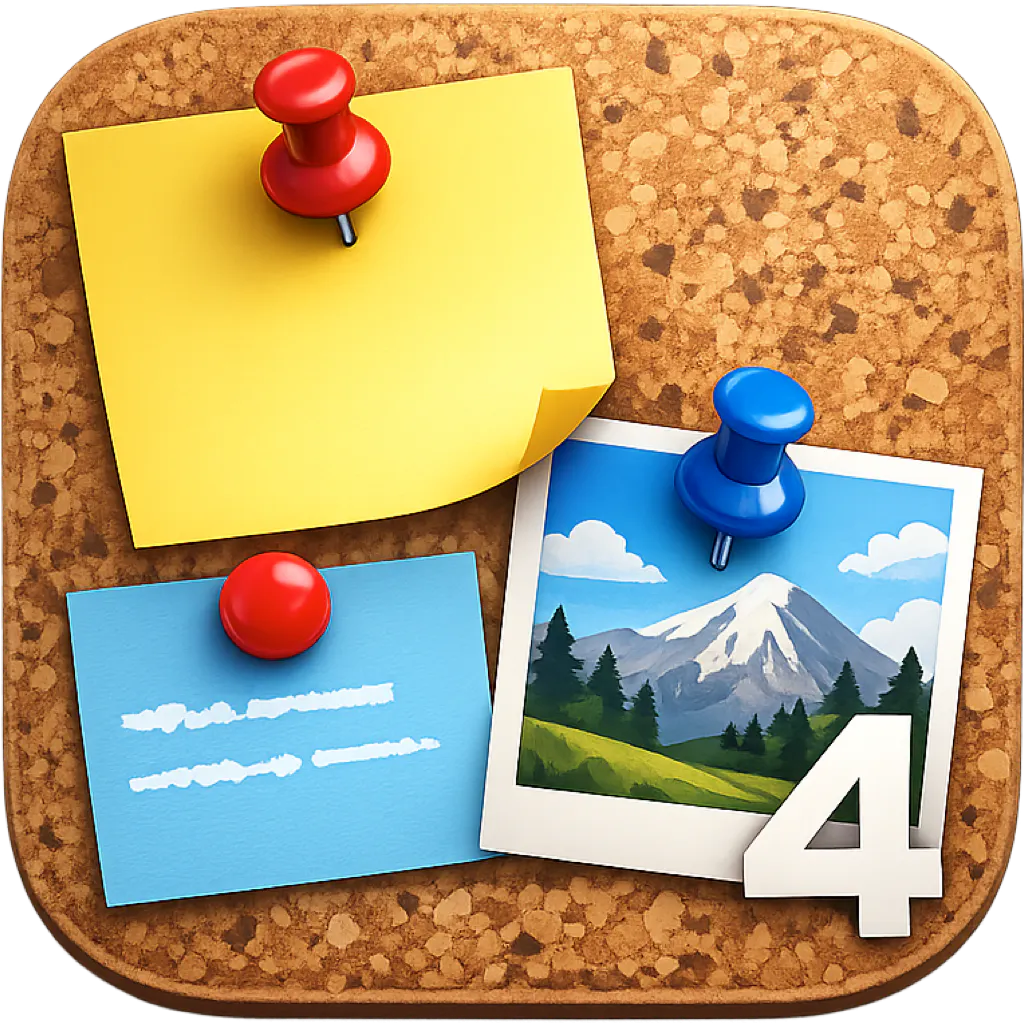
Scrapboard 4
Recreate the cozy feel of a family refrigerator door on Mac
With a legacy spanning almost over 12 years, Scrapboard evolves the classic concept of a digital bulletin board—recreating the cozy feel of a family refrigerator door right on your desktop and mobile screens. Designed to work hand-in-hand with its iOS counterpart, Scrapboard Cloud 4, this desktop application lets you seamlessly share and sync your creative boards across all your Macs and iPads using your iCloud account.
Top comment
Hello, Product Hunt! 👋 This is Tomato Software, the developer behind Scrapboard 4. Backing up nearly 12 years of legacy, Scrapboard has always been about one thing: capturing that cozy, creative, chaotic energy of pinning things to a family refrigerator door—right on your digital screens. With version 4, we want to completely rethink how a virtual bulletin board behaves on macOS. Scrapboard 4 isn't just a single static board anymore. You can now manage multiple local projects, build multi-page virtual canvases, and effortlessly sync everything across your Macs and iPads using built-in CloudKit integration and instant push notifications. What makes it powerful: You can build boards using 6 versatile layer types: 📝 Text: Full typography, font, and color controls. 🖼️ Picture: Drag-and-drop from disk or your Photos Library. SF Symbol: Clean, native scalable Apple icons. ⏰ Appointment: Real-time countdowns and reminder intervals. 🌐 Web: Live embedded web content via URL. 📍 Map: Pinned GPS coordinates and landmark lookups. Whether you're planning a mood board, tracking schedules, organizing creative assets, or just pinning reminders in a visual way, Scrapboard 4 gives you a canvas that feels genuinely alive. We would love for you to check it out on the Mac App Store, play around with it, and let us know what you think! We are happy to answer any questions or hear your feature requests below. The following is its support webpage. https://blog.mhvt.net/?p=8098 . If you have a feature request, please let us know there. Cheers! 🚀
About Scrapboard 4 on Product Hunt
“Recreate the cozy feel of a family refrigerator door on Mac”
Scrapboard 4 was submitted on Product Hunt and earned 2 upvotes and 1 comments, placing #151 on the daily leaderboard. With a legacy spanning almost over 12 years, Scrapboard evolves the classic concept of a digital bulletin board—recreating the cozy feel of a family refrigerator door right on your desktop and mobile screens. Designed to work hand-in-hand with its iOS counterpart, Scrapboard Cloud 4, this desktop application lets you seamlessly share and sync your creative boards across all your Macs and iPads using your iCloud account.
On the analytics side, Scrapboard 4 competes within Mac, Notes and Maps — topics that collectively have 125.1k followers on Product Hunt. The dashboard above tracks how Scrapboard 4 performed against the three products that launched closest to it on the same day.
Who hunted Scrapboard 4?
Scrapboard 4 was hunted by Señor Tomato. A “hunter” on Product Hunt is the community member who submits a product to the platform — uploading the images, the link, and tagging the makers behind it. Hunters typically write the first comment explaining why a product is worth attention, and their followers are notified the moment they post. Around 79% of featured launches on Product Hunt are self-hunted by their makers, but a well-known hunter still acts as a signal of quality to the rest of the community. See the full all-time top hunters leaderboard to discover who is shaping the Product Hunt ecosystem.
For a complete overview of Scrapboard 4 including community comment highlights and product details, visit the product overview.