This product was not featured by Product Hunt yet. It will not be visible on their landing page and won't be ranked (cannot win product of the day regardless of upvotes).
Product upvotes vs the next 3
Waiting for data. Loading
Product comments vs the next 3
Waiting for data. Loading
Product upvote speed vs the next 3
Waiting for data. Loading
Product upvotes and comments
Waiting for data. Loading
Product vs the next 3
Loading
CADlingo
Text to CAD you can inspect, refine, and export
Turn design ideas into 3D CAD with AI in your browser. Describe a part or multi-part model, inspect it in 3D and section views, then refine it through chat and supported dimension controls. Export STL on the free plan or STEP with an eligible paid plan to continue your CAD or 3D-printing workflow. Public beta for makers and junior engineers.
Hi Product Hunt, I'm Simon, the maker of CADlingo.
CADlingo is an AI CAD workspace for makers and junior engineers. Describe a part or multi-part model, review the initial concept, then develop the details in the same browser workspace.
Section views help you look inside, chat lets you request changes, and supported dimensions can be adjusted directly. You can export STL on the free plan or STEP with an eligible paid plan to continue working in your CAD or 3D-printing workflow.
It's a public beta. A generated model still needs to be checked against your requirements before you use it. Current plans and trial details: https://www.cadlingo.com/pricing
Try a bracket, enclosure, fixture, or small multi-part model you want to make. Tell me where the result differs from your intent and what would help you make the next revision.
Thanks for taking a look!
About CADlingo on Product Hunt
“Text to CAD you can inspect, refine, and export”
CADlingo was submitted on Product Hunt and earned 0 upvotes and 1 comments, placing #143 on the daily leaderboard. Turn design ideas into 3D CAD with AI in your browser. Describe a part or multi-part model, inspect it in 3D and section views, then refine it through chat and supported dimension controls. Export STL on the free plan or STEP with an eligible paid plan to continue your CAD or 3D-printing workflow. Public beta for makers and junior engineers.
On the analytics side, CADlingo competes within Design Tools, Artificial Intelligence and 3D Modeling — topics that collectively have 748.8k followers on Product Hunt. The dashboard above tracks how CADlingo performed against the three products that launched closest to it on the same day.
Who hunted CADlingo?
CADlingo was hunted by Sangmin Simon Lee. A “hunter” on Product Hunt is the community member who submits a product to the platform — uploading the images, the link, and tagging the makers behind it. Hunters typically write the first comment explaining why a product is worth attention, and their followers are notified the moment they post. Around 79% of featured launches on Product Hunt are self-hunted by their makers, but a well-known hunter still acts as a signal of quality to the rest of the community. See the full all-time top hunters leaderboard to discover who is shaping the Product Hunt ecosystem.
For a complete overview of CADlingo including community comment highlights and product details, visit the product overview.


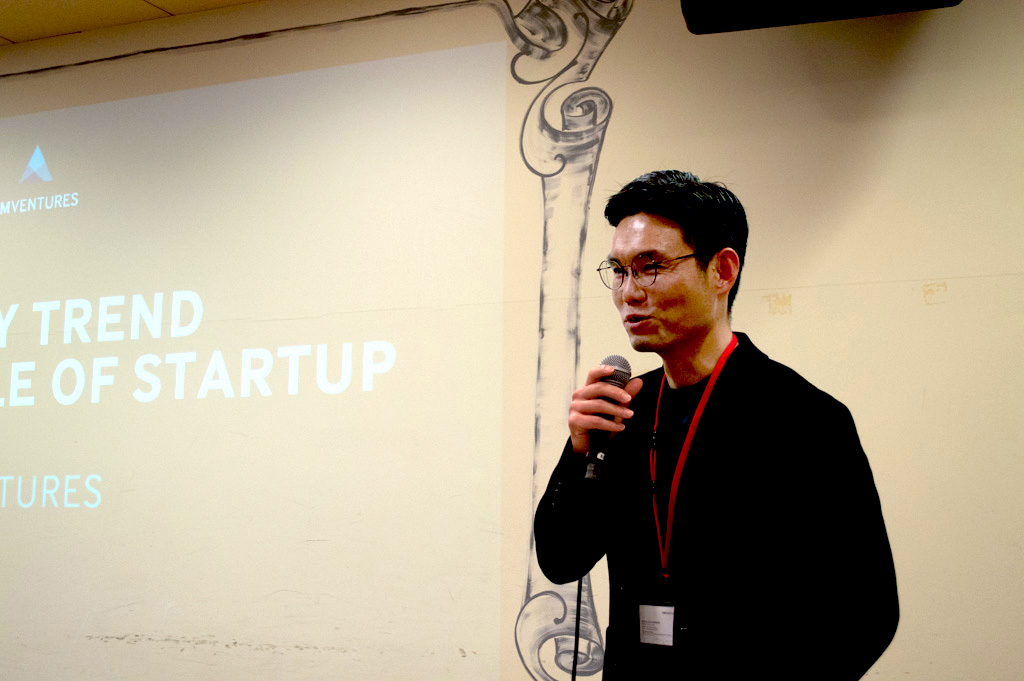 Sangmin Simon Lee

Hi Product Hunt, I'm Simon, the maker of CADlingo.
CADlingo is an AI CAD workspace for makers and junior engineers. Describe a part or multi-part model, review the initial concept, then develop the details in the same browser workspace.
Section views help you look inside, chat lets you request changes, and supported dimensions can be adjusted directly. You can export STL on the free plan or STEP with an eligible paid plan to continue working in your CAD or 3D-printing workflow.
It's a public beta. A generated model still needs to be checked against your requirements before you use it. Current plans and trial details: https://www.cadlingo.com/pricing
Try a bracket, enclosure, fixture, or small multi-part model you want to make. Tell me where the result differs from your intent and what would help you make the next revision.
Thanks for taking a look!